Montana Mesonet API (v2)
The Montana Climate Office (MCO) is committed to providing free and easily accessible weather data to the public through the Montana Mesonet API. The API utilizes REST architecture and provides a variety of endpoints for querying station metadata, real-time observations, and historical data.
- Base URL:
https://mesonet.climate.umt.edu/api/v2 - Interactive Documentation: Swagger UI
1. Stations
Get a list of all active stations in the Montana Mesonet network, including their location and metadata.
Endpoint: /stations/
Example: Get all active stations
Python
import pandas as pd

# Load station metadata directly into a DataFrame
url = "https://mesonet.climate.umt.edu/api/v2/stations/?type=csv&active=true"
stations = pd.read_csv(url)
print(stations[['station', 'name', 'latitude', 'longitude']].head())
Curl
curl -X 'GET' \
  'https://mesonet.climate.umt.edu/api/v2/stations/?type=json&active=true' \
  -H 'accept: application/json'
2. Observations
Retrieve weather data from our stations. The API provides three time granularities:
a. Latest (/latest/)
Get the most recent observation for one or all stations. Ideal for near real-time monitoring. Readings are updated every 5 minutes.
Optional Parameters:
stations: Comma-separated list of station identifiers (e.g.,aceabsar,arskeogh).type:html,csvorjson(default:html).
Python
import pandas as pd

# Get latest data for all stations
url = "https://mesonet.climate.umt.edu/api/v2/latest/?type=csv"
latest_data = pd.read_csv(url)
print(latest_data.head())
b. Hourly (/observations/hourly/)
Get hourly aggregated data. Ideal for short to medium term time-series analysis. The start_time parameter is reccomended; the end_time parameter will default to the current time if left blank.
Optional Parameters:
stations: Comma-separated list of station identifiers (e.g.,aceabsar,arskeogh).start_time: Start date (YYYY-MM-DD).end_time: End date (YYYY-MM-DD).elements: (Optional) Comma-separated list of variables to retrieve (e.g.,air_temp,ppt).type:html,csvorjson(default:html).
Python
import pandas as pd

# Get hourly air temperature and precipitation for 'aceabsar' for Jan 2024
base_url = "https://mesonet.climate.umt.edu/api/v2/observations/hourly/"
params = "?stations=aceabsar&start_time=2024-01-01&end_time=2024-02-01&elements=air_temp,ppt&type=csv"
df = pd.read_csv(base_url + params)
print(df.head())
c. Daily (/observations/daily/)
Get daily aggregated summaries (min/max/avg). The start_time parameter is reccomended; the end_time parameter will default to the current day if left blank.
Optional Parameters:
stations: Comma-separated list of station identifiers (e.g.,aceabsar,arskeogh).start_time: Start date (YYYY-MM-DD).end_time: End date (YYYY-MM-DD).elements: (Optional) Comma-separated list of variables to retrieve (e.g.,air_temp,ppt).type:html,csvorjson(default:html).
Python
import pandas as pd

# Get daily summary for 'aceabsar'
base_url = "https://mesonet.climate.umt.edu/api/v2/observations/daily/"
params = "?stations=aceabsar&start_time=2024-01-01&end_time=2024-01-10&type=csv"
daily_df = pd.read_csv(base_url + params)
print(daily_df.head())
3. Photos
Hydromet stations are equipped with cameras. You can retrieve correct URLs for station photos using this endpoint.
Endpoint: /photos/{station}/{direction}/
Parameters:
station: Station identifier (e.g.,aceabsar).direction:n(North),s(South),e(East),w(West), org(Ground).
Example
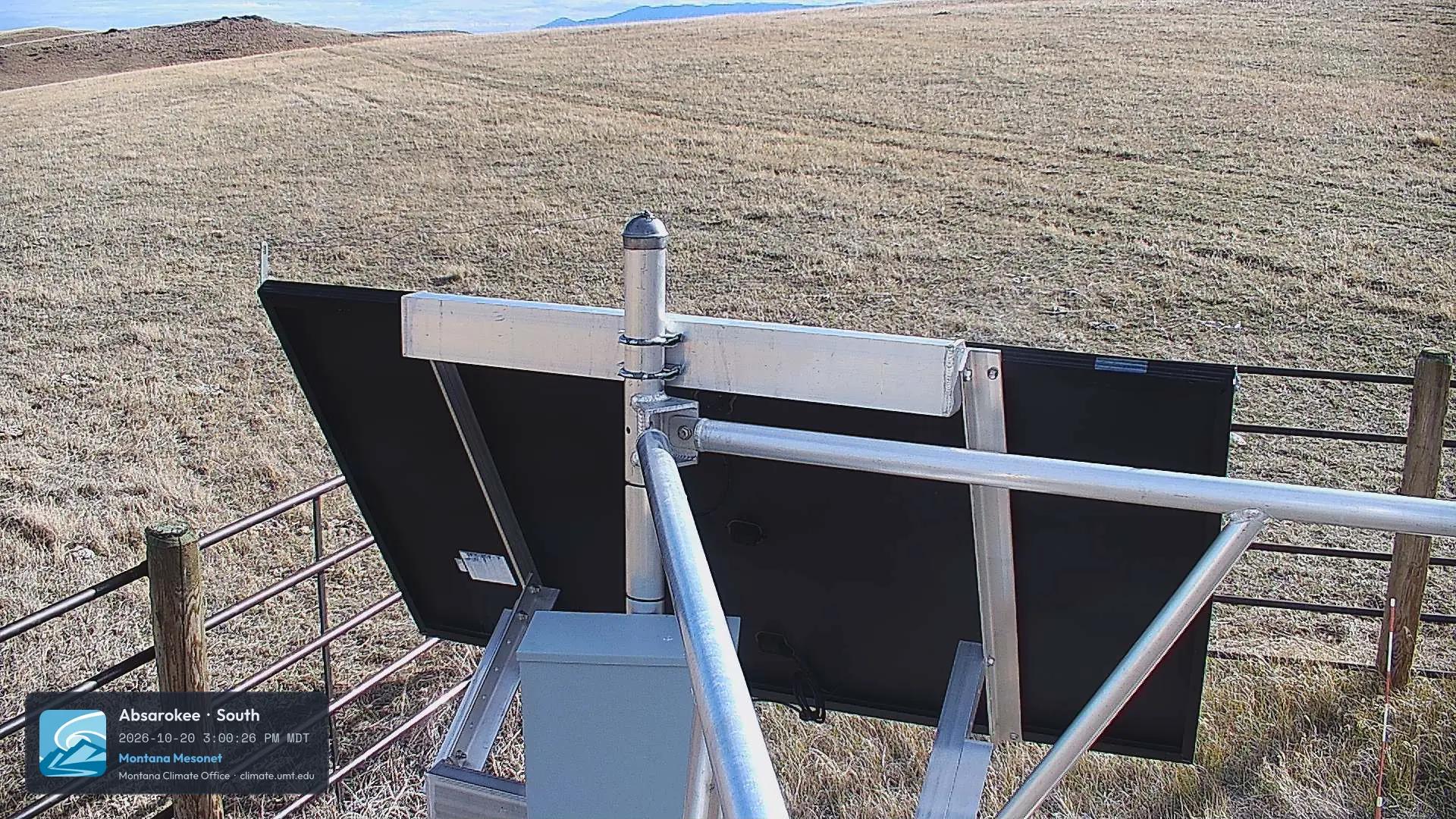
View the latest South-facing photo from the Absarokee (aceabsar) station: https://mesonet.climate.umt.edu/api/v2/photos/aceabsar/s/?force=True
4. Derived Metrics
The API can calculate complex metrics on the fly, such as Reference Evapotranspiration (ETo) and Growing Degree Days (GDD).
Reference ET (Hourly/Daily)
Endpoint: /derived/daily/
Python
import pandas as pd

# Calculate daily Reference ET (ETo) for a station
url = "https://mesonet.climate.umt.edu/api/v2/derived/daily/?stations=aceabsar&elements=eto&start_time=2023-06-01&end_time=2023-07-01&type=csv"
eto_data = pd.read_csv(url)
print(eto_data.head())
Additional Resources
For a complete list of all available parameters, elements, and response schemas, please consult our Interactive API Documentation.